Cards and Outline are Obsidian’s own layouts (cards and list in the .base file). Obsidian shows them in the same
way.
Each record is a card. The card shows the record’s name and the properties of the view.
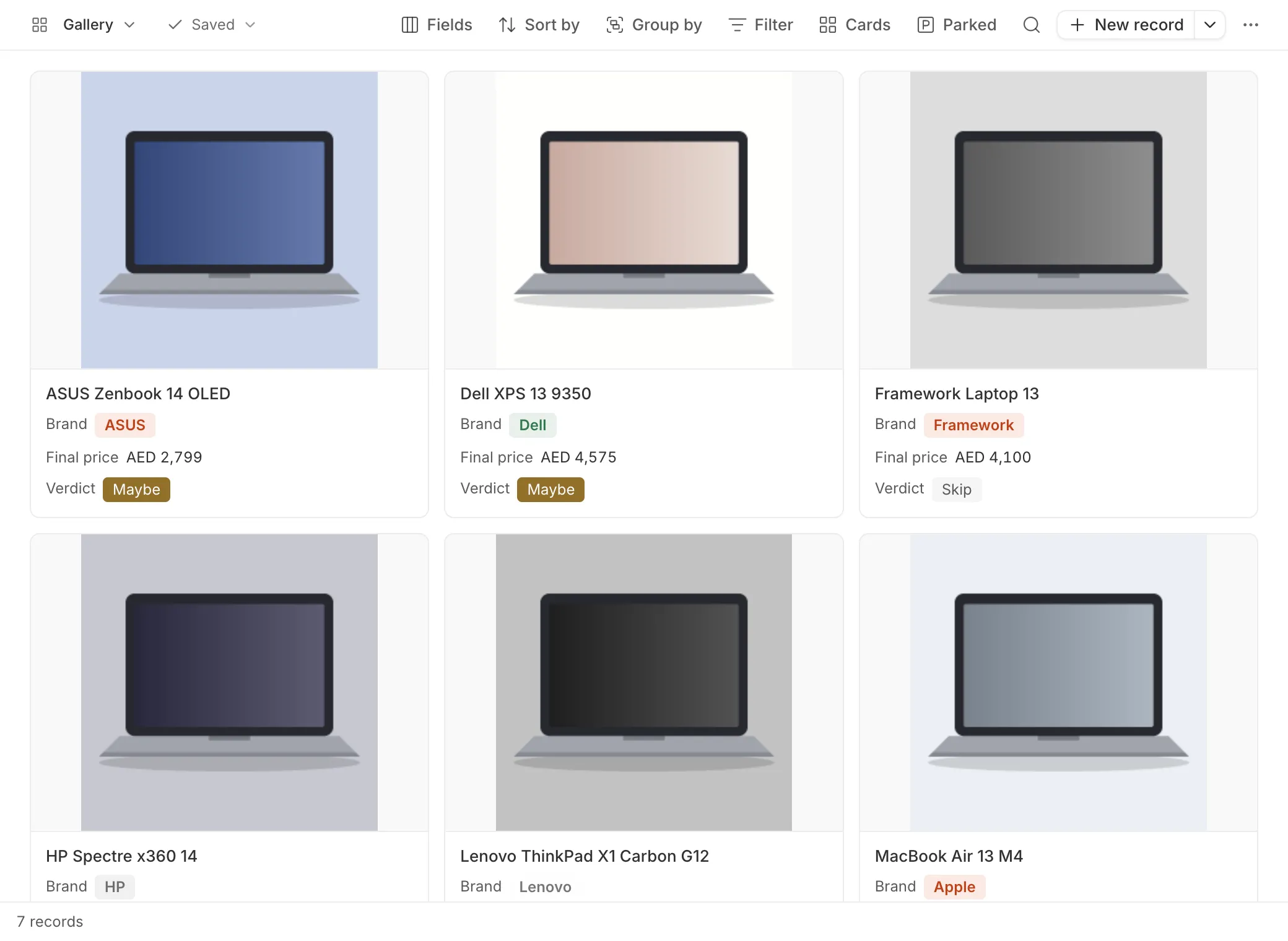
In the cards settings:
- Cover image: an image or attachment property. The image shows at the top of each card. A path is read from the folder of the record’s note.
- Image fit: Fill fills the area and cuts the image if necessary. Fit shows the full image.
- Image shape: 16:9, 4:3, Square or 2:3.
- Card size: the width of each card, from 100 to 800 pixels.
Outline
Section titled “Outline”The outline shows the records as a list in their groups. Group the view to make levels. Select a group to fold it.
To add a record, type its name in Add a record under the records of a group and press Enter. The new record gets the values of that group and of the groups above it, and the field stays ready for the next name. An outline without groups has one field, at the end.
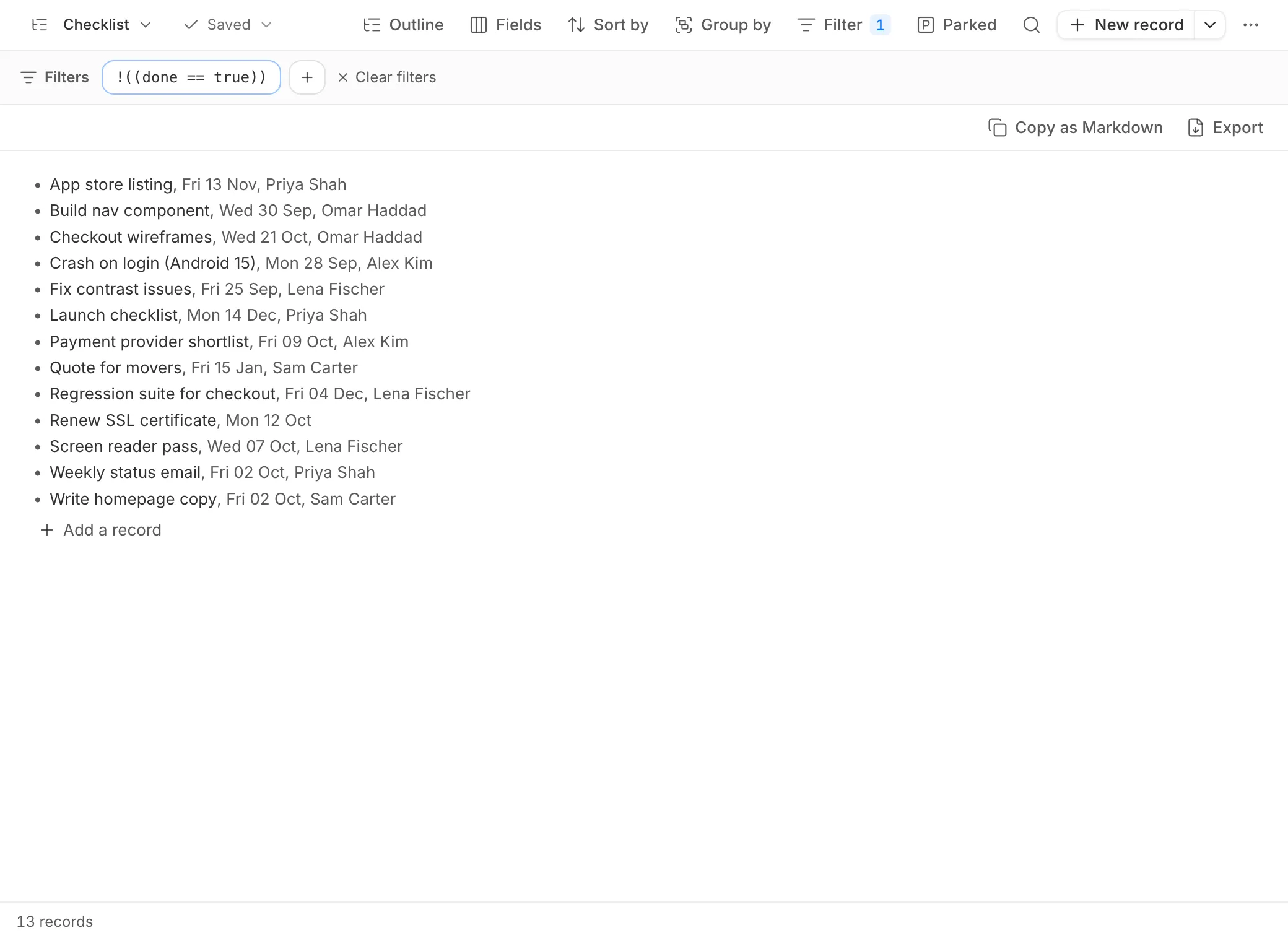
In the outline settings:
- Numbering: Bullets, 1, 2 (numbers), 1.1, 1.2 (outline numbers) or None.
- Bold prefix: a property whose value shows in bold before each record.
- Other properties: On the same line as the record, or Indented below it.
- Separator: the text between the properties on the same line.
Export an outline
Section titled “Export an outline”Select Export to save the outline as Markdown, OPML or PDF, or Copy as Markdown to copy it. On mobile, PDF is
saved as a printable page (.html).