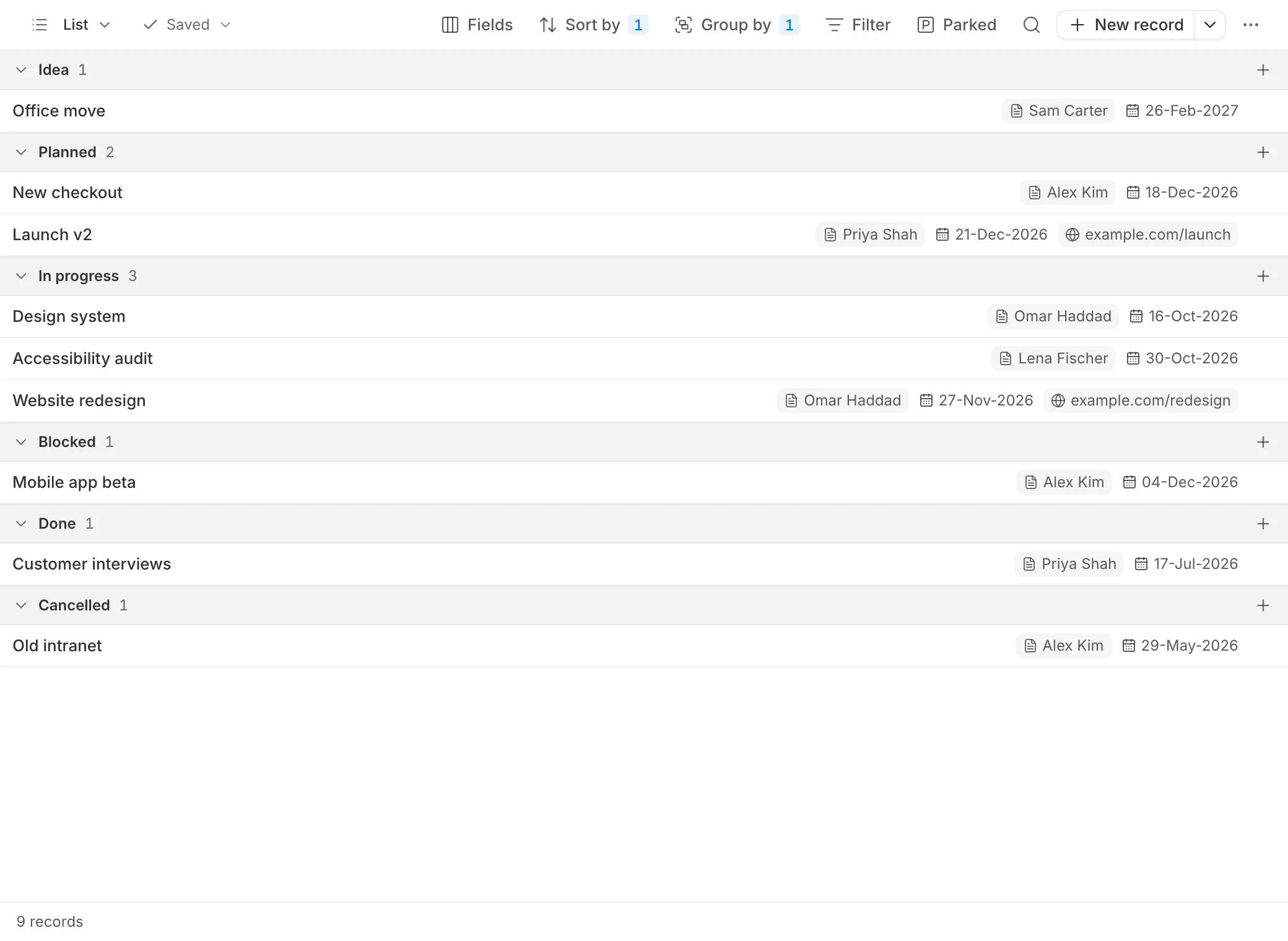
The List view shows one line per database record. It uses the same line components as a to-do list, with database fields and record actions. It has no task status keys, subtasks or automatic task-date changes.
Set up a list
Section titled “Set up a list”Add a List view from the view picker. Choose the fields it shows, their order, its sort and its groups with the toolbar. View changes use Save view and Reset, as in other database views. See Views.
Select a record to open its shared editor. Use its menu for record actions. See Records.
List and Outline are separate database views. Outline has numbering, prefix and export settings. For task lists, their named views and task keys, see To-do lists.