A form view shows the properties of the view as the fields of a form. Each time you submit the form, BaseStudio makes one new record. Select Create record or press ⌘Enter (Ctrl+Enter on Windows or Linux).
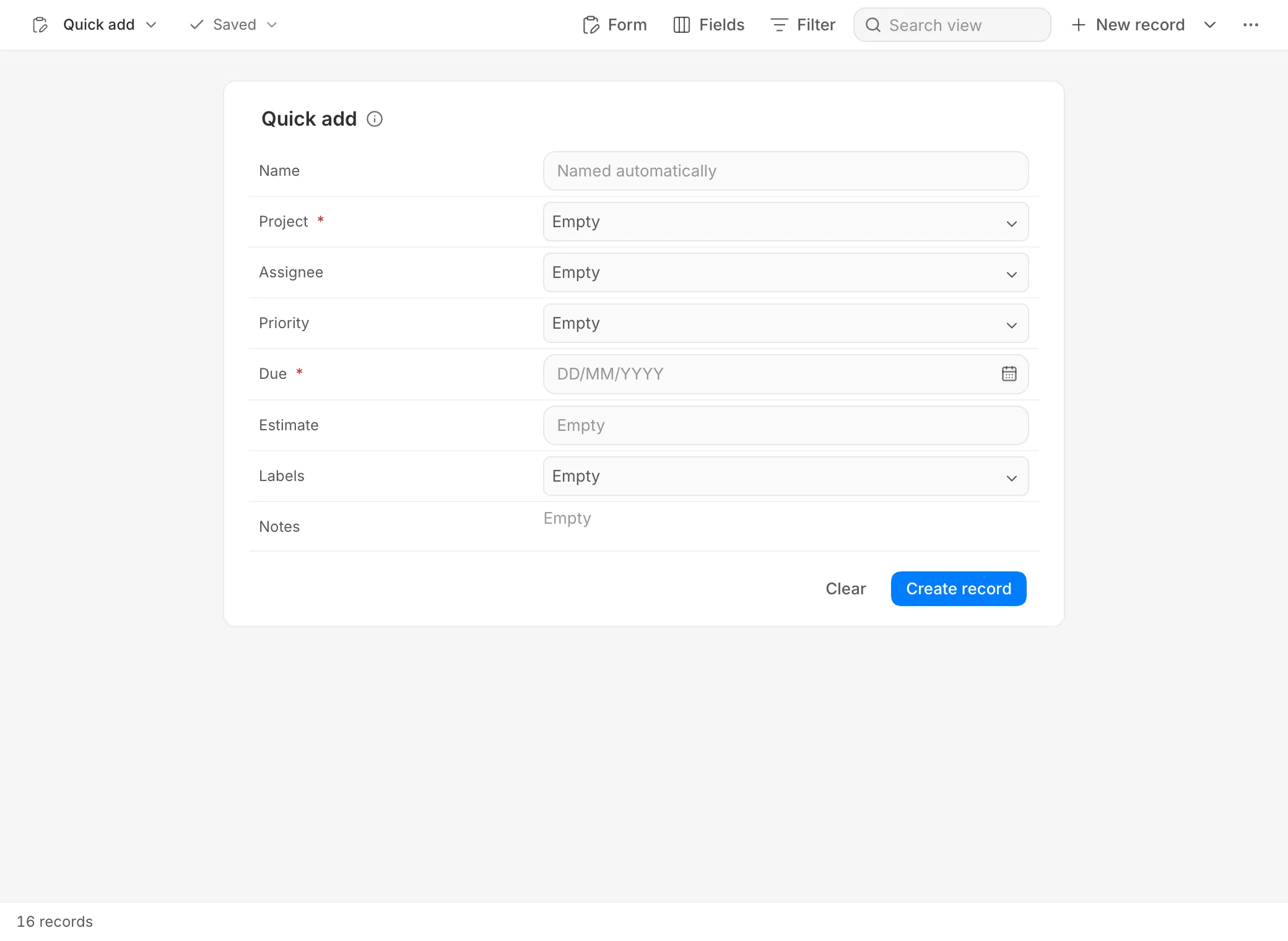
The new record gets the values of the form, the values of the view’s default template, and the values that the view’s filters need. A record that you add in a filtered view stays in that view.
Settings
Section titled “Settings”- Required fields: the fields that must have a value before you can submit the form.
- After saving: Clear for the next record, or Open the record.
- Start from template: the record template that fills the form when it opens. See Record templates.
The fields of the form are the fields of the view. To add, hide or move a field, use Fields in the toolbar.
Unfinished input stays available when you change views or reopen the Base. Esc leaves the active field or picker. Clear asks for confirmation when the form contains input. See Saving, undo and recovery.